Perfect主题使用教程
发布时间:2026-01-14 分类:建站经验
头部设置

1.top邮箱设置
Appearance > Theme Options > Header area > Header Top Style > Insert Email Address
2.top电话设置
Appearance > Theme Options > Header area > Header Top Style > Insert Phone Number
3.top分享按钮设置
Appearance > Theme Options > Header area > Header Social ICOn
4.菜单logo设置
Appearance > Theme Options > Header area > Header Logo
5.菜单导航栏设置
Appearance > Menus
导航栏内容设置
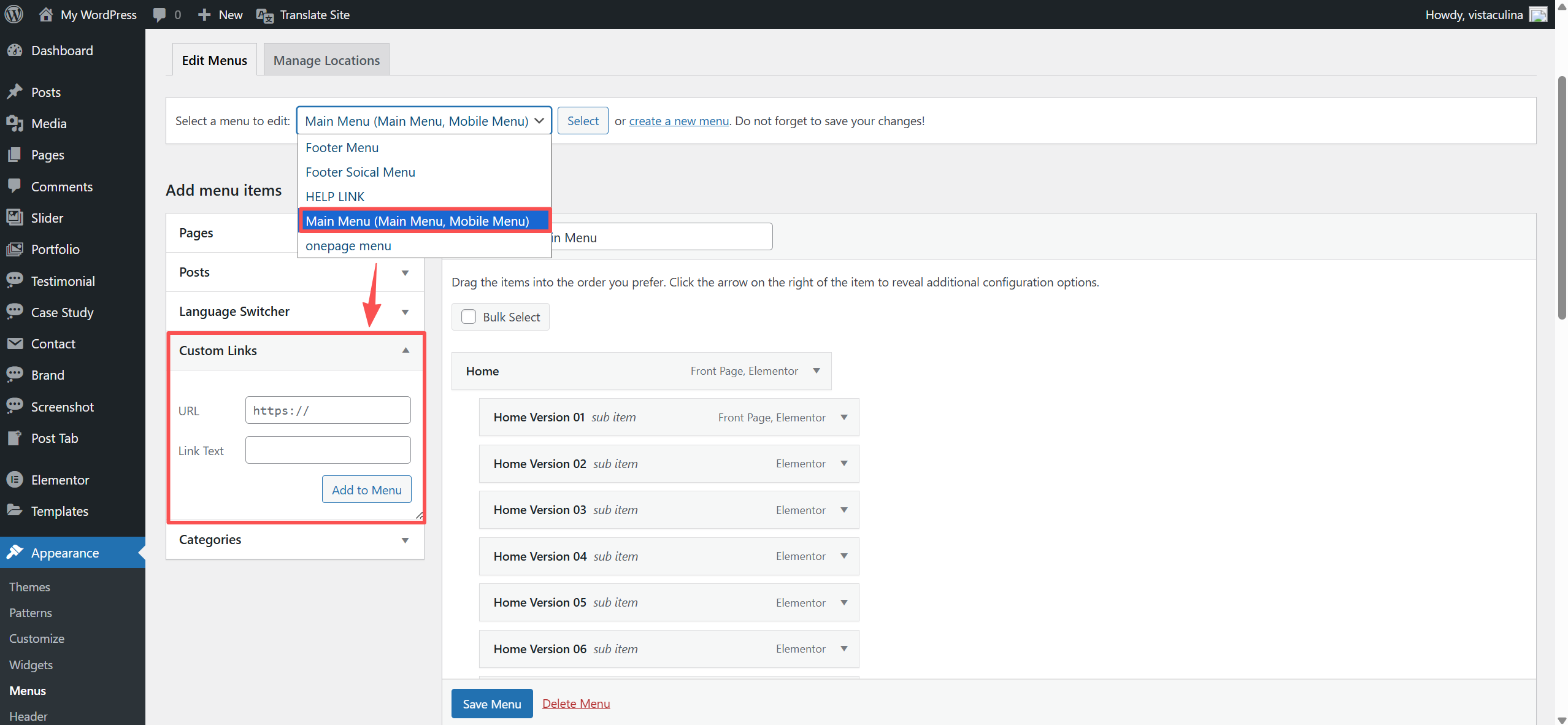
在【Appearance > Menus】中选择 Main Menu,通过【Custom Links】填写 URL 和Link Text即可添加菜单项。添加后,可以用鼠标拖动菜单项来调整顺序,设置完成记得点击“保存菜单”
首页设置
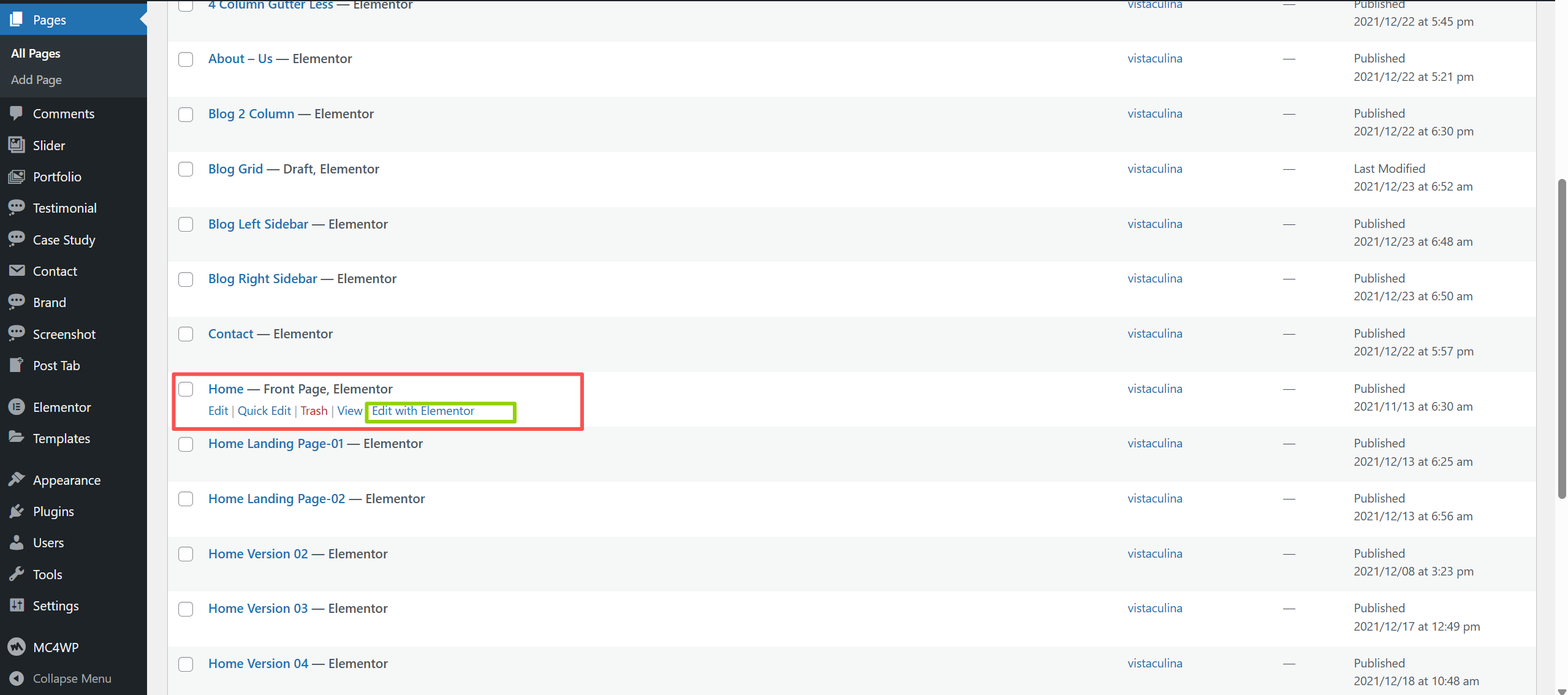
后台左侧导航栏中选择Pages鼠标放到Home页面上后 选择Edit with Elementor 进入后直接可视化编辑 可直接在页面更改内容以及文字
产品设置
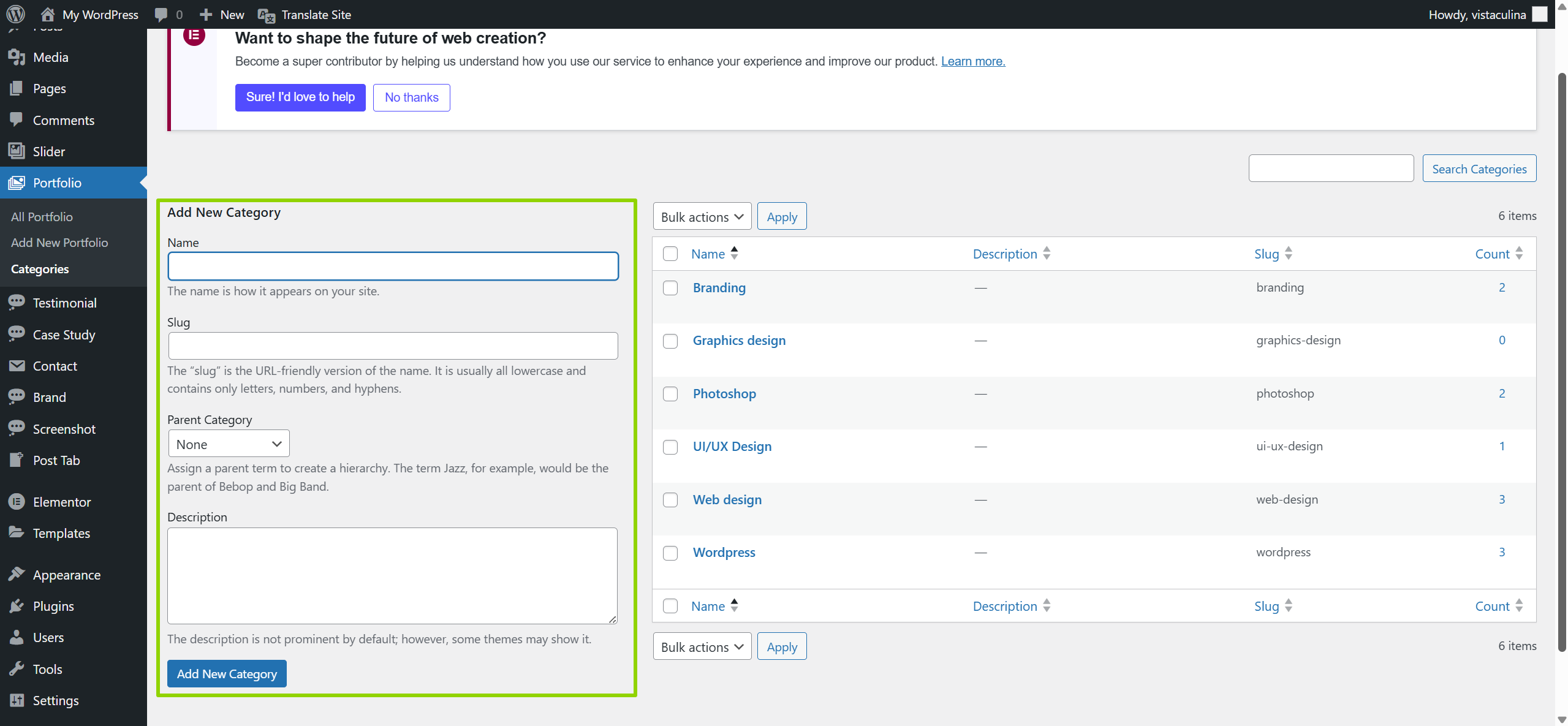
产品分类设置 Portfolio > Categories
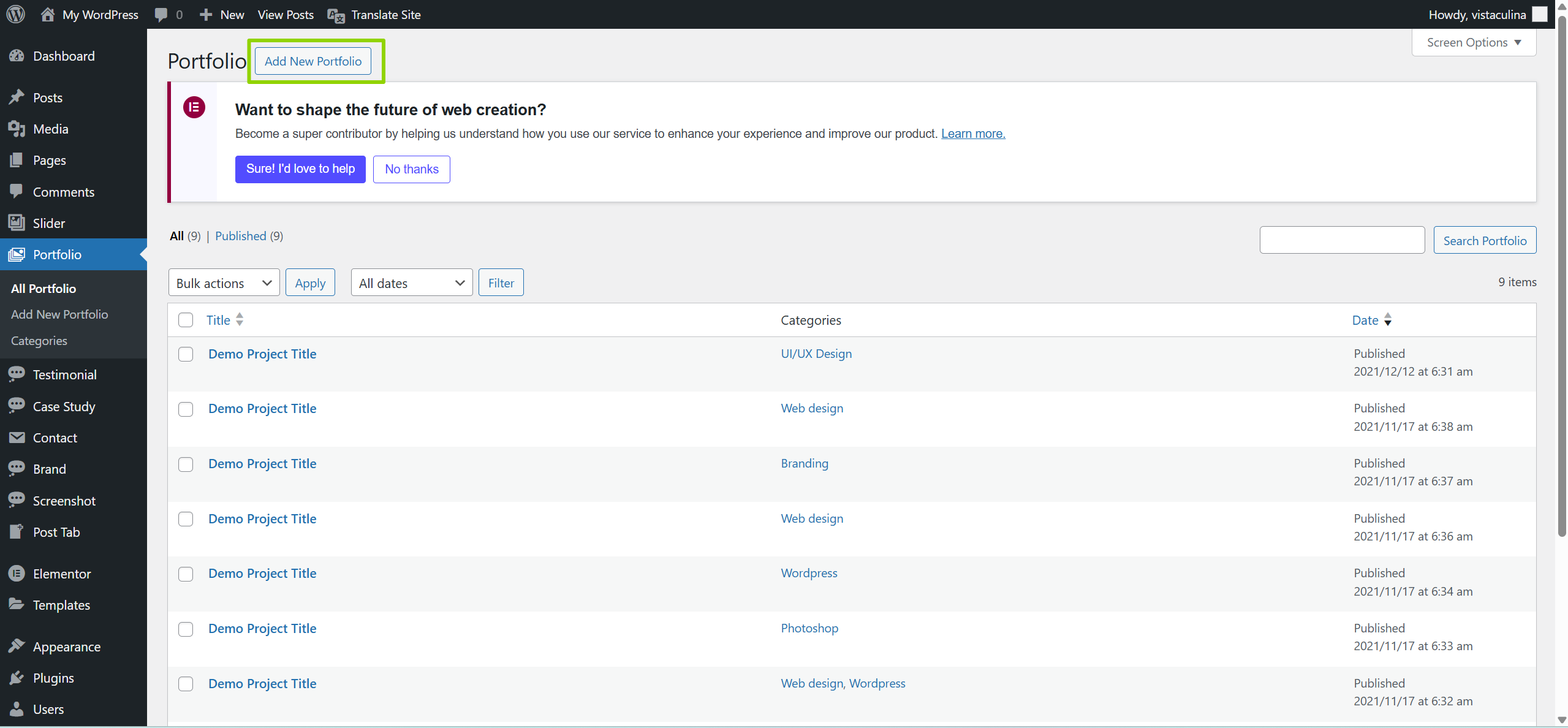
产品添加 Portfolio > Add New Portfolio
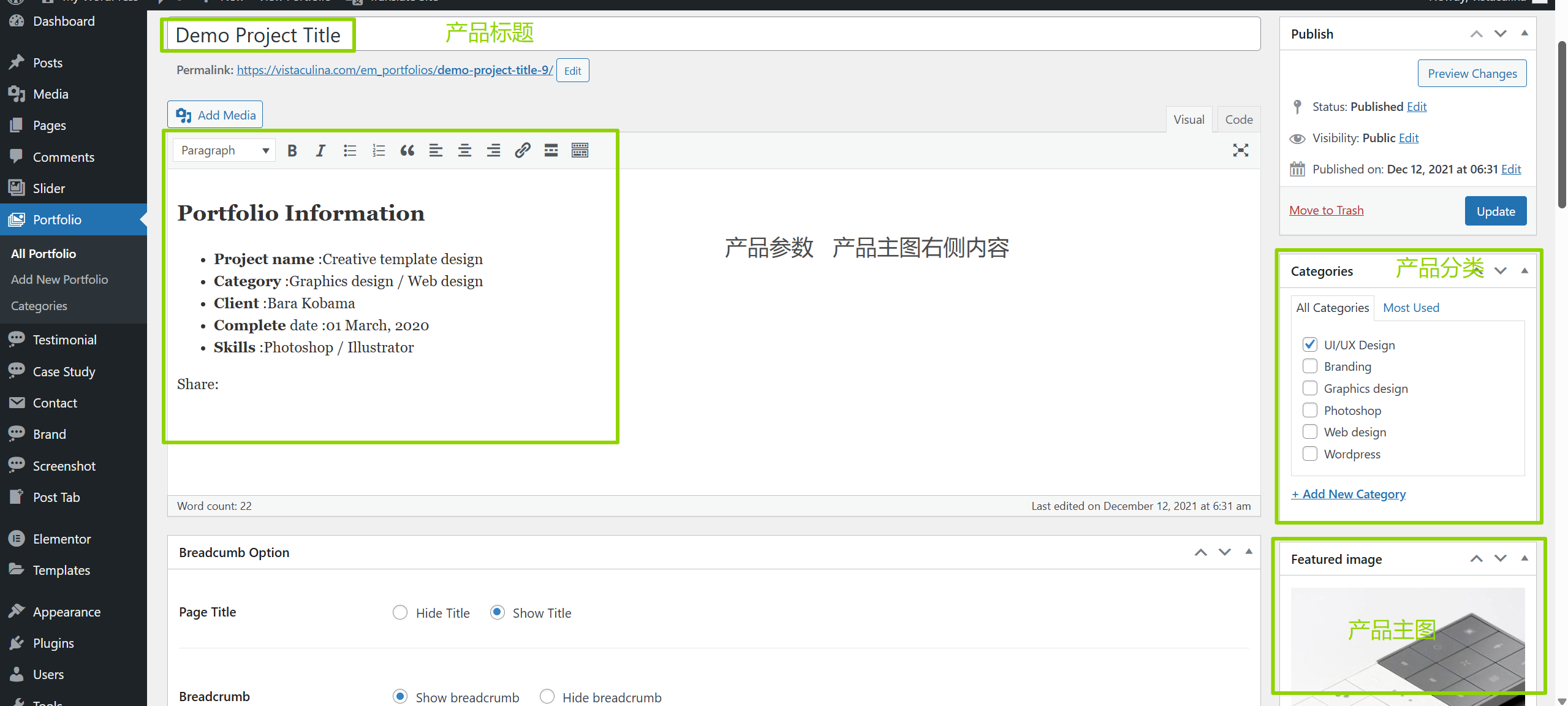
产品详情